LEVEL UP YOUR VIDEOGRAPHY
If you create content, you need to master videography.
But it's overwhelming to even know where to start – finding out what type of camera you need, how to use it, and how to create beautiful videos like I do.
The more you research, the more confused you get, as an endless sea of distractions leave you feeling more lost than before.
That’s where the Ultimate Creator’s System™ comes in.
I’ve made it super simple for you to achieve my level of video quality. I will tell you step by step what type of camera I have, how to use it, how to color correct, and whatever else is needed to create fire videos.
Zero fluff. Zero BS. Just follow the steps. Zero thinking required.
You won’t need to do any additional research or scroll through Youtube trying to find tips from creators who are just trying to sell you a LUT pack. You just do as I say and I’ll show you exactly how I get my unique look for social media, with no talent necessary.
You’ll learn things like:
⬆️
GEAR
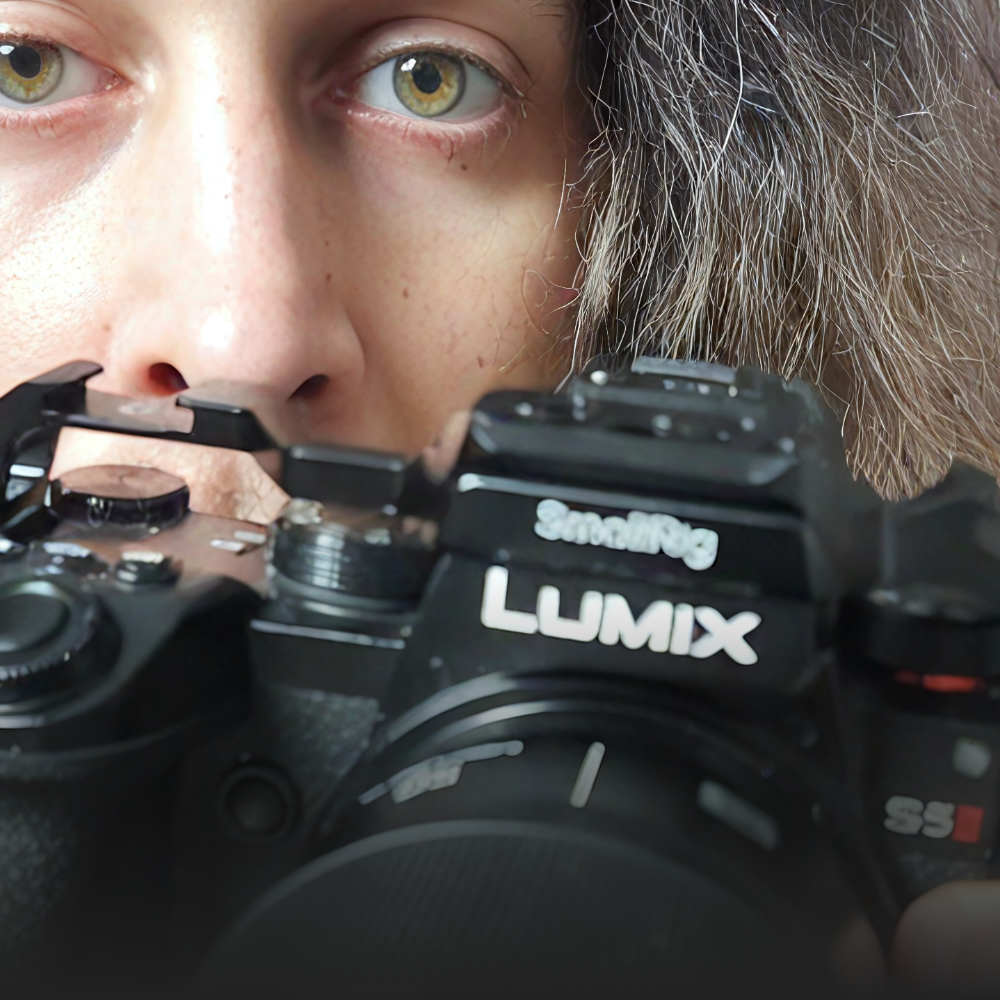
Every piece of gear you’ll need. The latest and best bang-for-your-buck, professional gear out there. Zero research required, just buy what I use. From the camera to the lenses to every accessory required – you’ll know everything to buy to arm yourself with a budget-friendly, pro-level arsenal.
⬆️
SETTINGS
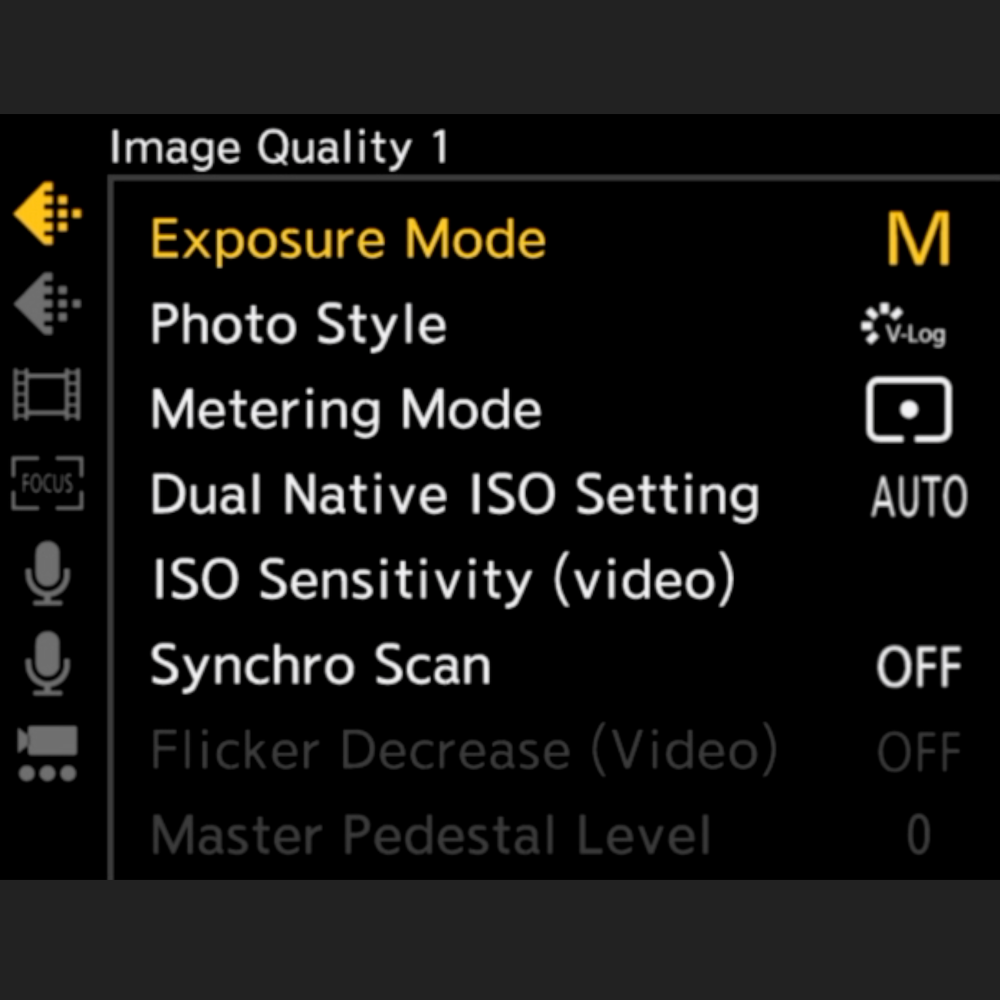
Run down every single menu setting with me and use the exact same settings I use. No wading through endless Youtube vids trying to figure out settings on your DSLR – just copy mine. You’ll know the camera inside and out.
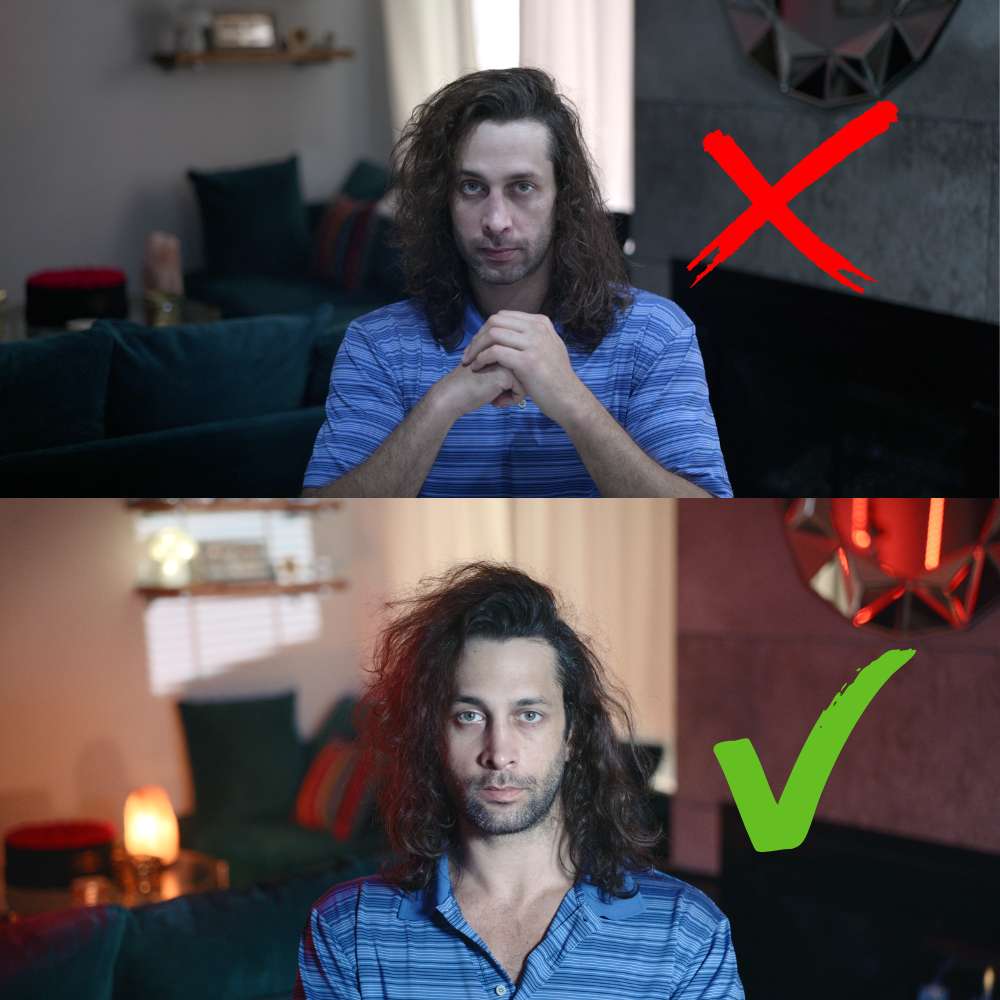
⬆️
LIGHTING
Learn the secrets of indoor lighting, demystified. I'll teach you my 6-step lighting framework to light your space in a flattering, cinematic manner. You can use these techniques in any style of production. You’ll wish you knew these techniques sooner.
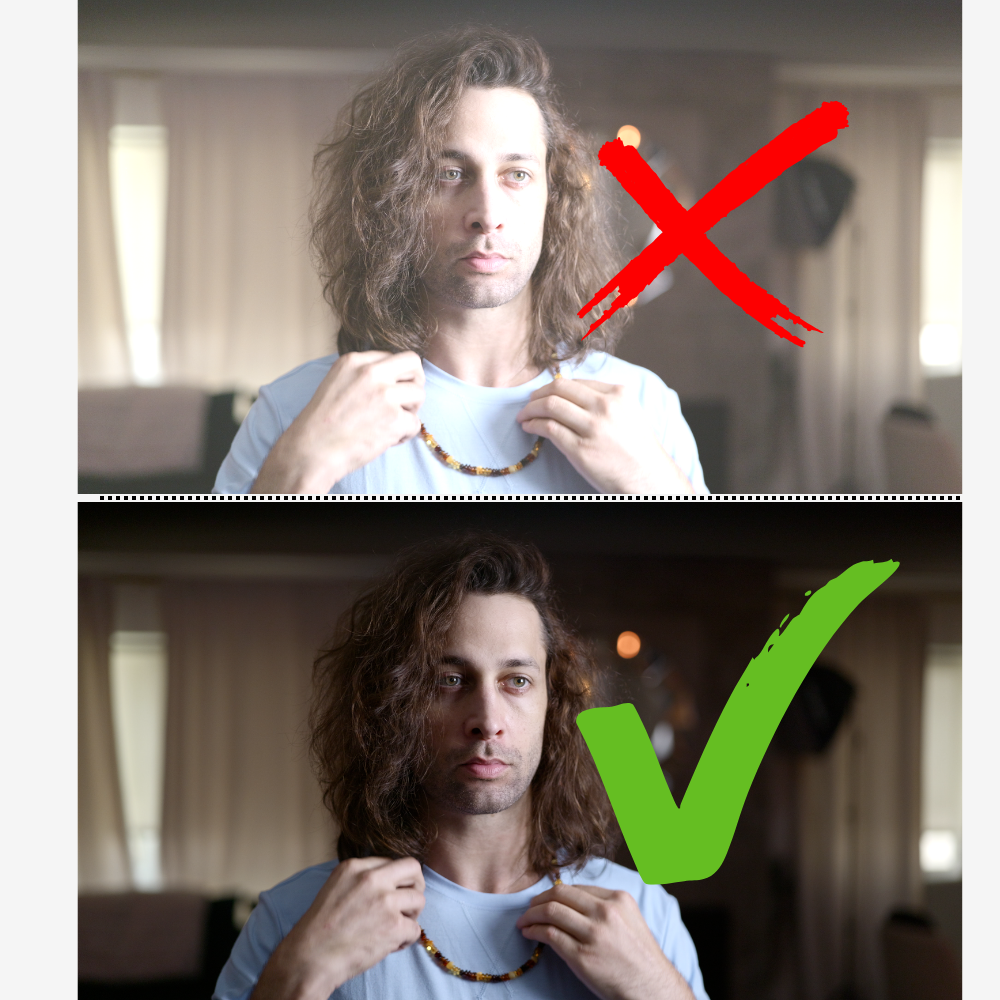
⬆️
EXPOSURE
Learn how to easily set exposure, with no fancy tools needed. There are a thousand and one ways to set exposure – you’ll learn the easiest and most effective method.
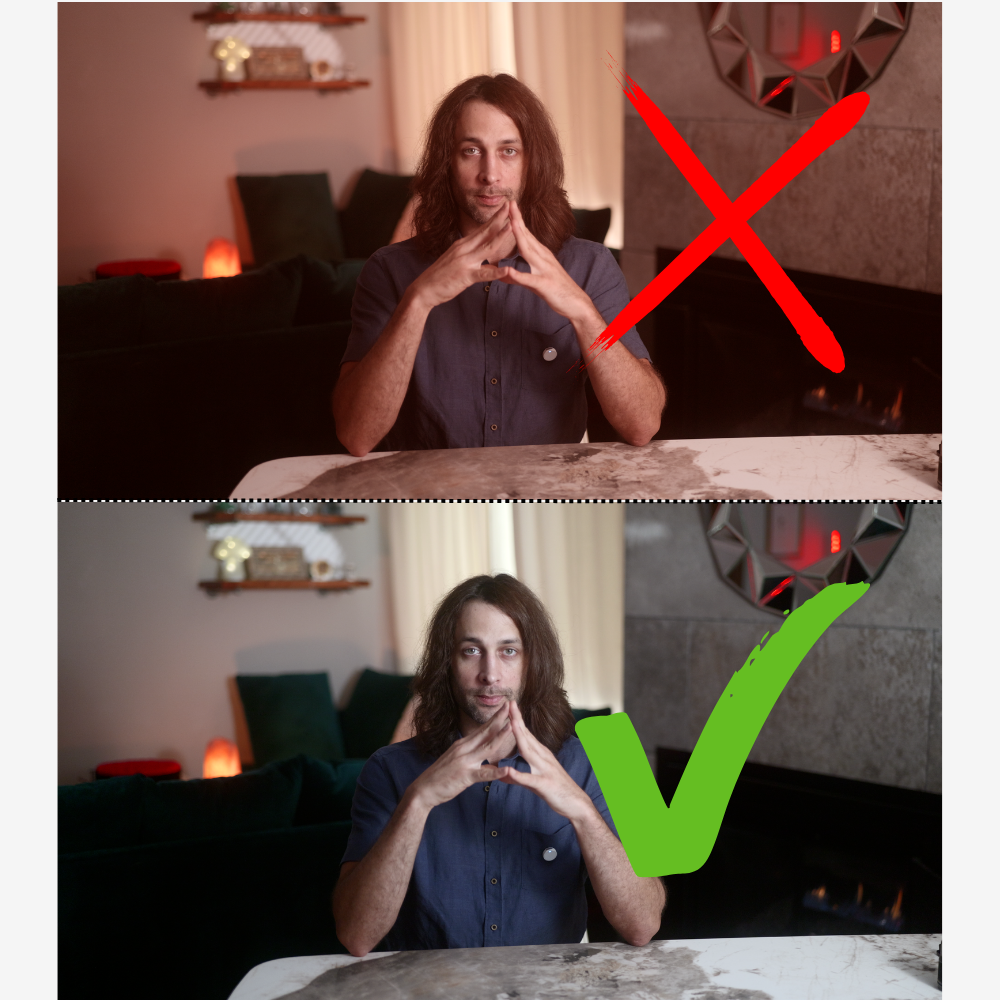
⬆️
WHITE BALANCE
Learn how to set white balance properly, so that your footage is at the right color. As long as you implement my simple techniques, your footage will be perfectly white balanced.
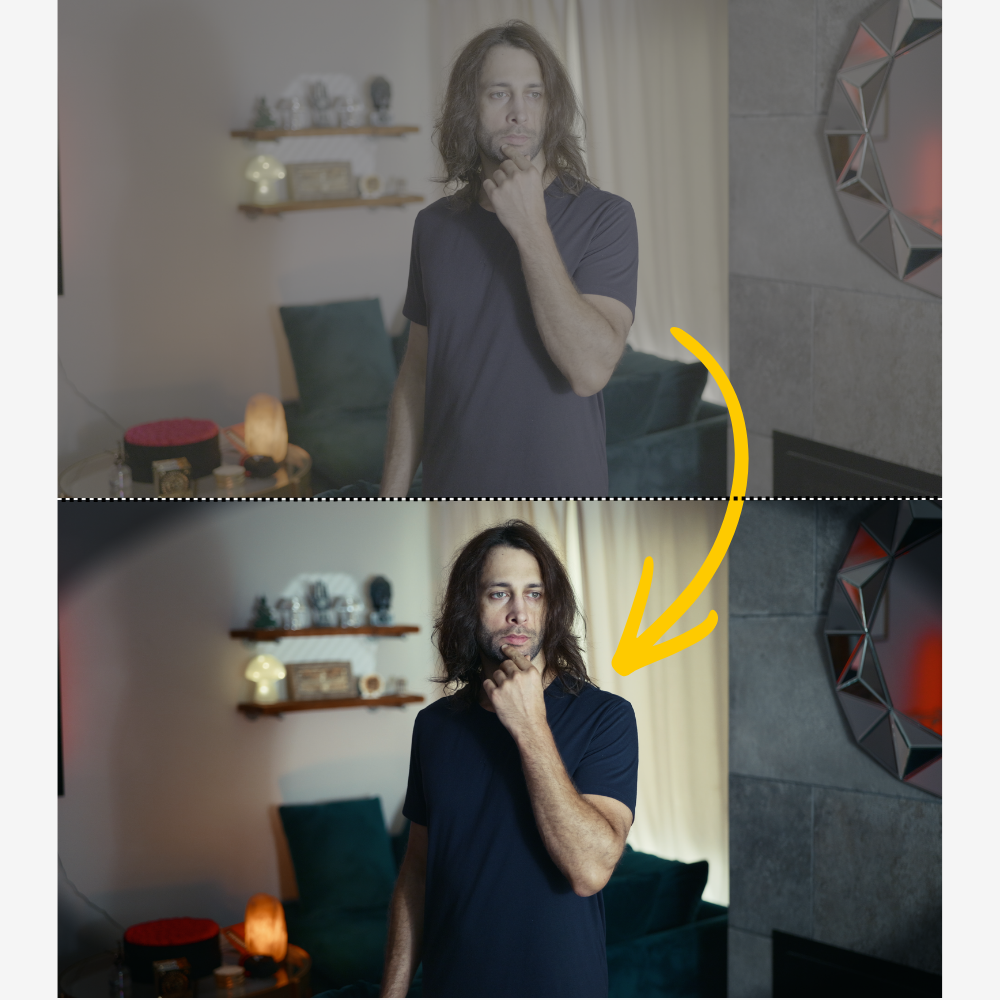
⬆️
COLOR GRADING
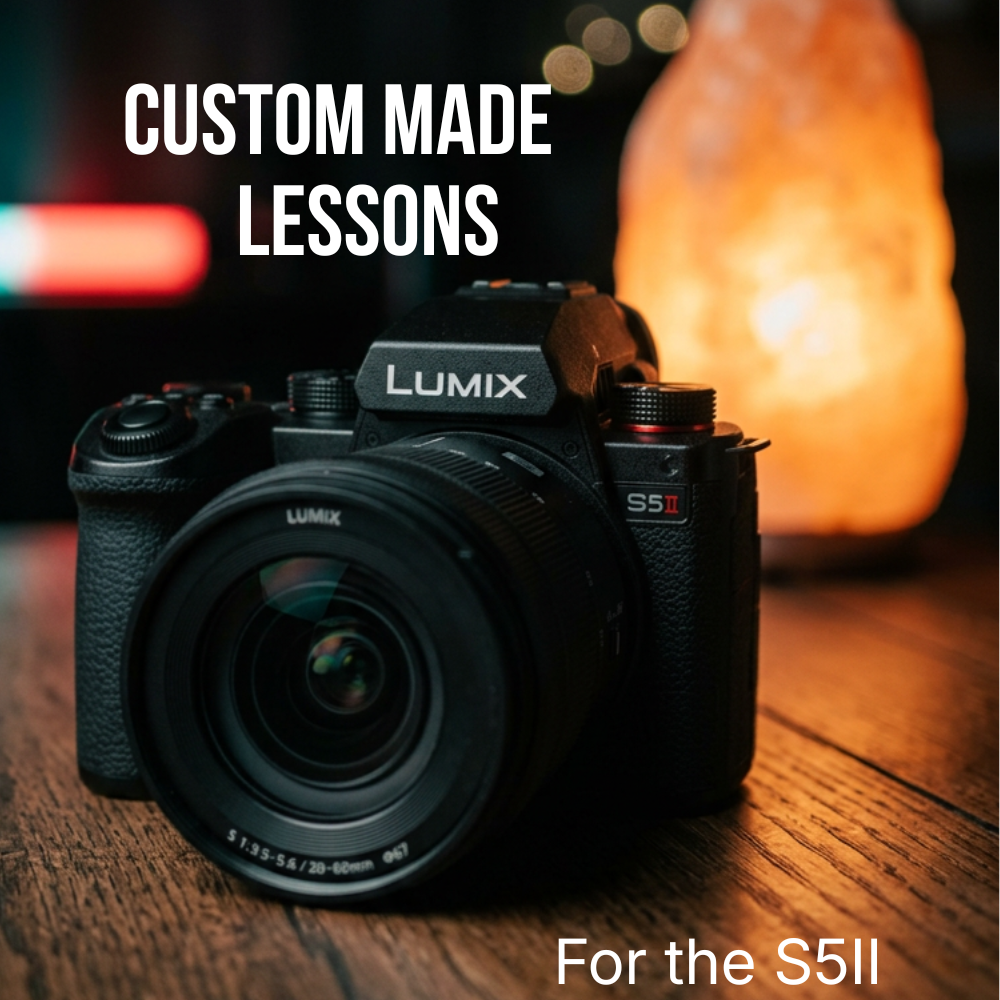
How to color grade your log footage. You’ll learn how to set up my unique color pipeline that you can apply to any clip in two clicks. Specifically designed for the camera we use (Lumix S5II).
CURRENT LESSONS (AND GROWING)
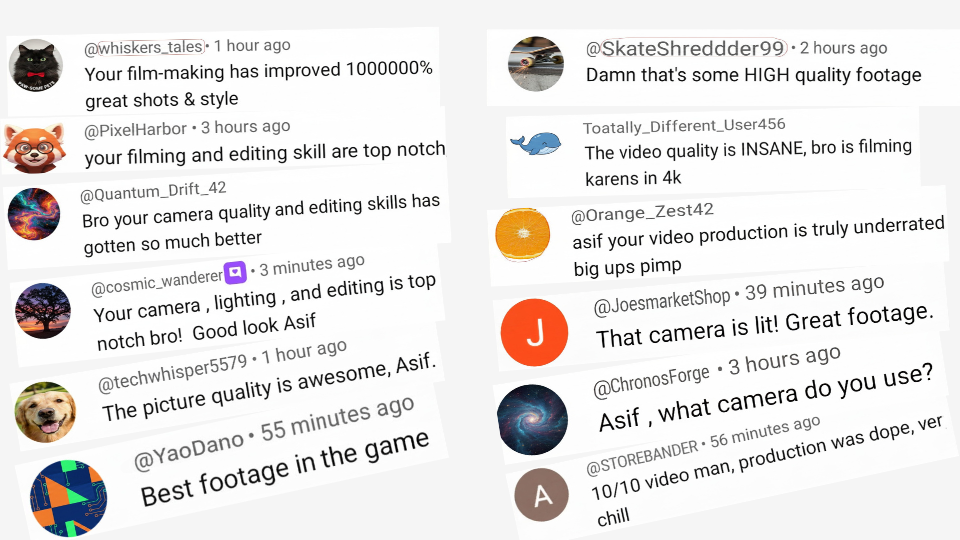
Your followers WILL notice the quality
These are actual comments from my Youtube channel, once I leveled up my videography.
But it didn’t come easy – buying a fancy camera ain’t enough.
I had to create a system.
And now, that system is yours.